
HoneyBook for Independent Businesses
A Practical Way to Manage Leads, Clients, and Projects
Running an independent business often means managing far more than the work clients originally hired you to do. You also need a reliable way to respond to inquiries, schedule conversations, send proposals, collect signatures, issue invoices, receive payments, gather information, and keep every active project moving forward. The list of responsibilities can seem a little endless!
HoneyBook brings many of those responsibilities together in one client-management platform.
I began using HoneyBook early in my photography-business journey, when I was still printing contracts, meeting clients in person for signatures, and accepting payments through cash or checks. Nearly a decade later, HoneyBook has become one of the primary systems behind my business. I use it to manage new leads, book clients, organize projects, send communications, collect payments, and support much of the experience clients have before and after hiring me.
This page will help you understand what HoneyBook does, who it may be useful for, and where to find more detailed guidance about its workflows, pricing, strengths, and limitations.
Start Here

HoneyBook Review for Photographers – My Honest Experience After 9 Years
Start with my complete review when you are deciding whether HoneyBook is the right platform for your photography business. It covers the features I regularly use, the limitations I have encountered, the types of businesses it suits best, and whether I believe it remains worth the cost.

HoneyBook for Photographers – Workflows from Inquiry to Booking (and Beyond!)
See how HoneyBook fits into a real photography-business workflow – from the moment someone submits an inquiry through consultation, proposal, booking, planning, payment, and follow-up.

HoneyBook Pricing for Photographers: Plans, Fees, and Is It Worth It?
Review HoneyBook’s current plans, costs, fees, and major differences before choosing a subscription. This guide also explains which plan may make the most sense at different stages of business.
What Is HoneyBook?
HoneyBook is a client-management platform built primarily for independent professionals and service-based businesses.
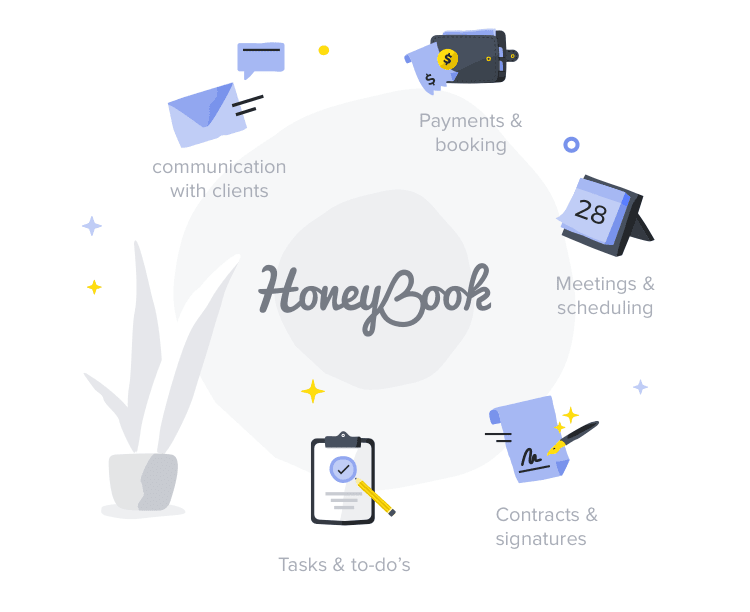
Rather than relying on separate systems for every part of the client journey, you can use HoneyBook to bring many of your core business processes into one place. Depending on your plan and setup, this can include lead capture, project organization, scheduling, proposals, contracts, invoices, payments, questionnaires, email templates, automations, and client portals.
The value is not necessarily found in any one feature. Many individual HoneyBook functions can also be handled through standalone tools. The larger benefit is having those tools work together as part of one connected process.
For example, a potential client can submit a contact form on your website, enter your project pipeline, receive an initial response, schedule a consultation, review your services, sign a contract, and make a payment without their information having to be manually transferred across several unrelated platforms.
That consolidation is the main reason HoneyBook has remained so important within my own business.
A CRM Will Not Build Your Business Systems for You
One of the most common misunderstandings about HoneyBook – and client relationship management platforms more generally – is that signing up will automatically create an organized business.
HoneyBook gives you tools for building and managing your processes. It does not determine what those processes should be.
You still need to decide things like:
- How you respond to a new inquiry
- What information you collect from leads
- When you follow up
- What services you offer
- What your contract says
- How clients pay
- What emails they receive after booking
- Which questionnaires you send
- What stages a project moves through
- Which parts of the experience should be automated
This is why the initial setup can sometimes feel more complicated than expected. The difficulty may not be learning how to create an email template or proposal inside HoneyBook. The harder part is deciding what that email should say, what the proposal should include, and how each piece fits into the larger experience.
My preferred approach is to define the process outside HoneyBook first. Write the emails, map the workflow, establish the services, and identify the important client touchpoints. Once those decisions are made, translating the process into HoneyBook is usually much more straightforward.
The goal is not to automate everything or make the business feel impersonal. The goal is to reduce repeated decisions, prevent important steps from being missed, and create more room to focus on the work that genuinely requires your attention.
What Can You Manage With HoneyBook for Independent Businesses?
Leads and Inquiries
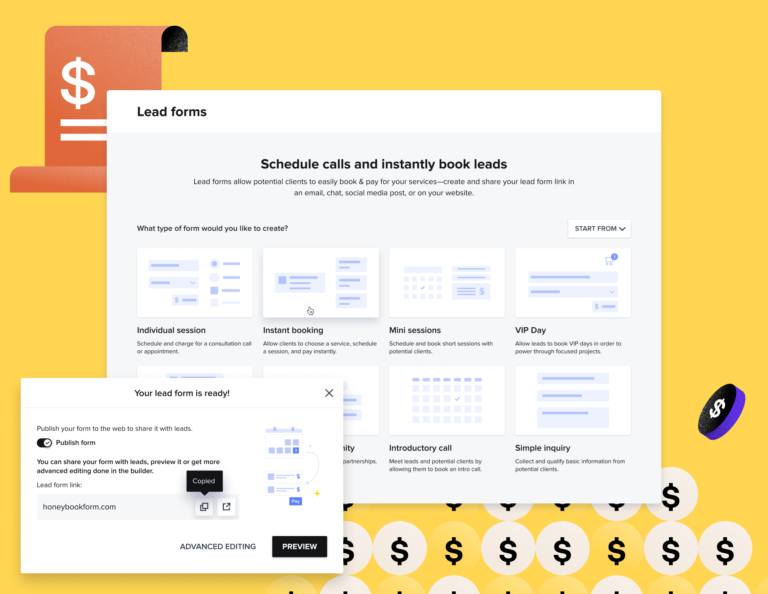
HoneyBook contact and lead forms can collect information from prospective clients and create new projects directly within your account.
I use a HoneyBook contact form on my photography website so new inquiries enter my workspace automatically. This keeps lead information organized from the beginning and gives me a clear place to manage communication and follow-up.
Project Pipelines
Custom pipelines allow you to organize leads and clients according to their current stage.
My own workspace separates sales opportunities from active client work. New inquiries move through stages such as follow-up, consultation, proposal sent, proposal signed, and retainer paid. Booked clients move through planning, editing, album design, and completion stages based on the specific service they purchased.
The exact stages should reflect your own business rather than someone else’s template, and fortunately this is highly customizable.
Scheduling
HoneyBook’s scheduler can be used for consultations, planning meetings, sessions, or other appointment-based interactions.
I use separate scheduling options for prospective-client consultations and engagement sessions. Calendar syncing also helps me see business and personal commitments together, reducing the chance of scheduling conflicts.
Services and Pricing Information
HoneyBook files can present services, packages, images, videos, pricing, and next steps within a more interactive document.
I use this functionality to share photography collections with prospective clients while also giving them a direct path to schedule a consultation or indicate which service they are interested in.
Proposals, Contracts, and Invoices
Proposals can combine service selections, contracts, and payment schedules into one booking experience.
This is one of the most practically valuable parts of the platform for my business. Once someone decides to hire me, I can adapt an existing proposal template and send everything needed to complete the booking in a matter of minutes.
Online Payments
Clients can review invoices and make payments online rather than coordinating cash or mailing checks.
Making the payment process easier matters – especially when providing higher-value services. The fewer unnecessary obstacles placed between a client’s decision and the completed booking, the less opportunity there is for confusion, delays, or second thoughts.
Questionnaires
Questionnaires allow you to gather project information and store the responses within the client’s file.
For weddings, I use questionnaires to collect logistical information, timing details, photo requests, and other information that helps me build the wedding timeline and family photo list.
Email Templates
Frequently used messages can be saved as templates and adapted for individual clients.
This can save substantial time across common interactions such as inquiry responses, questionnaire delivery, scheduling information, payment reminders, planning emails, sneak-peek delivery, and final-gallery delivery.
Automations 2.0
HoneyBook automations got a big update with “Automations 2.0” and can now do more of what you’d expect “automation” to do like trigger emails, actions, tags, and workflow steps according to predefined conditions.
My automations include things like:
- Immediate inquiry acknowledgements via email
- Lead follow-up sequences
- New-client welcome emails
- Project tags triggered by specific actions (like automatically marking someone as a “confirmed-client” after signing a contract)
- Longer-term client communication
- Post-project offers and follow-up
Automation is most effective when it supports a clear process. It should not replace thoughtful communication where a personal response would be more appropriate.
Client Portals
Clients can access project-related information through a central portal, including communications, files, contracts, questionnaires, and upcoming payments.
This gives clients a clearer place to find important information without searching across disconnected email threads and documents.
Business and Payment Reporting
HoneyBook reporting can provide a high-level view of payments, booked revenue, outstanding balances, and business activity.
I use these reports for quick business snapshots and certain administrative tasks, although I still rely on dedicated bookkeeping software for more formal financial records.
Who Is HoneyBook For?
HoneyBook is generally best suited to independent professionals and small service-based businesses that manage clients through a defined project or booking process.
That may include:
- Photographers
- Videographers
- Wedding and event professionals
- Designers
- Creative studios
- Consultants
- Coaches
- Marketing professionals
- Music producers
- Freelancers
- Other appointment- or project-based service providers
These businesses often share the same underlying needs: collecting leads, communicating with potential clients, presenting services, securing agreements, collecting payment, gathering information, and keeping projects organized.
HoneyBook is less naturally suited to businesses focused primarily on selling physical or digital products at scale. Those businesses will usually need an ecommerce platform rather than a project-focused client-management system.
A service business that occasionally sells products – such as a wedding photographer offering albums (like myself) – can still manage those additions through HoneyBook pretty easily. The distinction is whether the central business relationship revolves around an ongoing client service or a straightforward retail transaction.
Solo Professionals and Small Partnerships
HoneyBook is especially well suited to solo operators and small partnerships.
My wife and I run our photography business together, and the platform works effectively for our relatively small operation. I have also used its team functions with contractors and outside collaborators, although I have found those controls less flexible than I would want for managing a larger organization.
Businesses with numerous employees, departments, contractors, or complicated permission requirements should evaluate the team features carefully during the trial period.
New Businesses
A newer business can benefit from HoneyBook as soon as it begins regularly managing its own paying clients.
Keep in mind, you may not need a full CRM before you have any leads or bookings. At the earliest stage, a spreadsheet and a few documents may be sufficient. Once you begin sending contracts, collecting payments, following up with multiple prospects, and managing overlapping projects, a connected system becomes much more valuable.
Established Businesses
For an established business, HoneyBook can consolidate processes that may currently be scattered across email, calendar applications, forms, spreadsheets, invoicing tools, signature platforms, and scheduling software.
Migration is often easier when the business already has clear services, contracts, email templates, questionnaires, and workflows. The primary task becomes adapting established systems to the HoneyBook environment instead of building everything from scratch.
HoneyBook for Photographers
Running a photography business is the area where I have the deepest firsthand experience with HoneyBook.
Since joining the platform almost a decade ago, I have used it to manage hundreds of weddings and elopements, and hundreds more engagement, portrait, and family sessions. Nearly every lead and booked project in my business passes through HoneyBook in some form.
Photographers are particularly well suited to the platform because our client relationships tend to follow repeatable stages:
- Someone submits an inquiry.
- We determine availability and fit.
- The lead receives pricing and service information.
- A consultation may be scheduled.
- A proposal, contract, and invoice are sent.
- The client completes the booking.
- Planning information is collected.
- Payments and reminders are managed.
- The session or wedding takes place.
- Images are delivered and post-project communication continues.
HoneyBook can support nearly every administrative stage in that process.
My Hands On Experience Using HoneyBook
I began using HoneyBook roughly nine years ago, after experimenting with several CRM platforms that were popular among photographers at the time.
My needs were initially pretty simple: I wanted a better way to send contracts, issue invoices, collect payments, and organize client projects. Before that, I had sometimes printed contracts, met clients for signatures, or sent documents through the mail.
At that time, I had tried a variety of CRMs for photographers and that included trials of Honeybook alternatives like 17hats, Dubsado, Tave in the mix. HoneyBook stood out because I found it easier to understand and work with than the alternatives I tested.
Over time, its role in my business expanded substantially. Today, I am inside HoneyBook pretty much every day. It manages leads from my website, client communications, pricing materials, schedulers, proposals, contracts, invoices, questionnaires, project pipelines, email templates, automations, and reporting…it does a lot!
I have processed hundreds of thousands of dollars in client payments through the platform and used it while serving hundreds of clients.
That does not mean every feature is perfect or that HoneyBook is the right choice for every business. Some areas require considerable setup. Their Smart Files can feel dense (especially when first building them), certain financial tools overlap with dedicated bookkeeping software, and team-management controls may be limiting for larger organizations.
But, even with those limitations, HoneyBook has become the central operational hub of my photography business. The collective value of its features – and the way they work together – is more important to me than any single tool in isolation.
Try HoneyBook
HoneyBook offers a free trial that gives you time to explore the platform, test its workflow, and decide whether it fits your business before committing to a paid plan.
When you sign up through my referral link, you can currently receive 30% off the first year of an annual HoneyBook membership. Monthly subscribers may receive the corresponding referral promotion offered by HoneyBook at the time of signup.
I recommend using the trial to test the features most relevant to your immediate needs rather than attempting to build your entire business system at once.
A useful starting point for getting up and running quickly is to:
- Configure your account and branding.
- Build a contact or lead form.
- Create one proposal with your contract and payment schedule.
- Connect your bank account and calendar.
- Save a few frequently used emails.
- Set up a simple inquiry-response automation.
Those foundational pieces will give you a much better sense of how HoneyBook fits into your actual business.
Affiliate disclosure: I am a HoneyBook educator and referral partner. If you start a paid membership through my link, I may receive compensation at no additional cost to you. My recommendations are based on my long-term experience using HoneyBook within my own photography business.
Free Resource: Respond to New Inquiries More Quickly
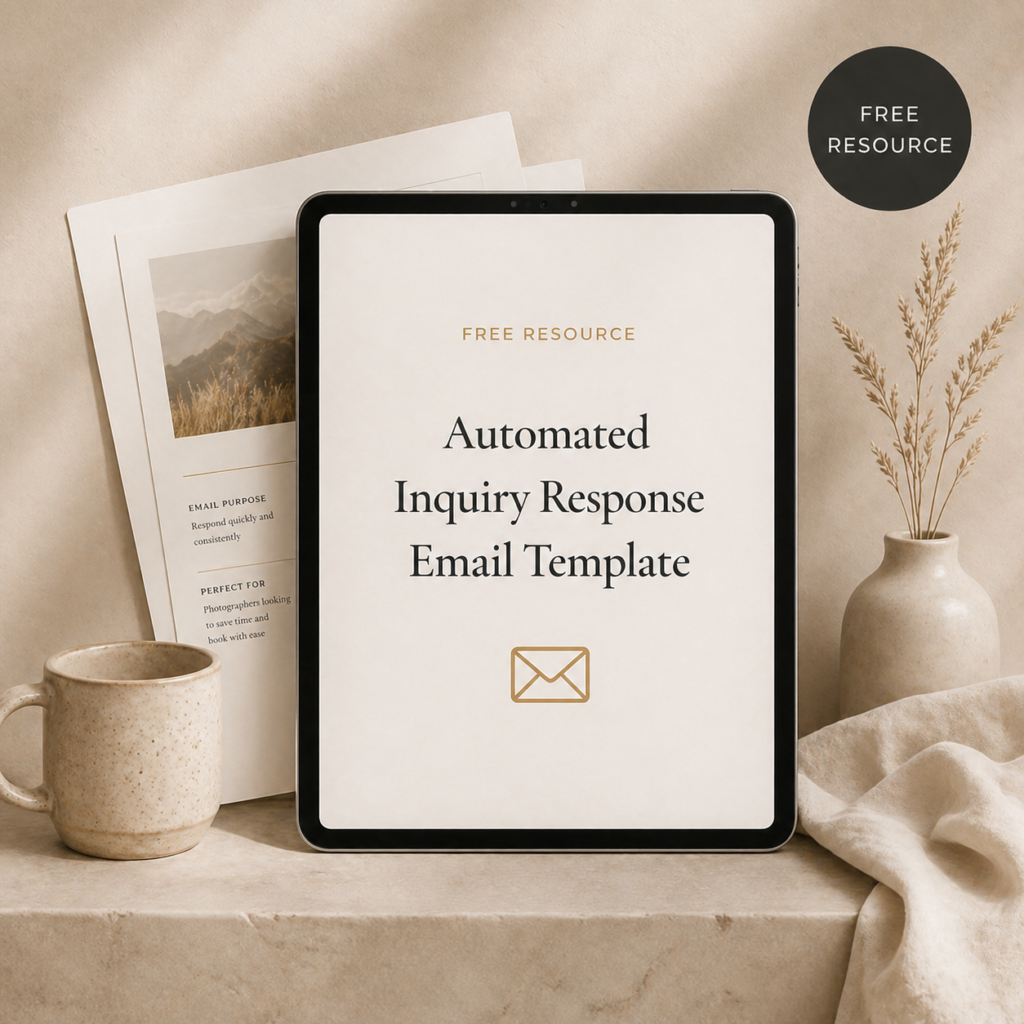
Free Automated Inquiry Response Email
One of the simplest and most valuable HoneyBook automations is an immediate acknowledgement sent when someone submits your inquiry form.
This free email template gives you a practical starting point. It helps reassure prospective clients that their message was received, establishes expectations for your personal response, and creates a more polished first interaction without requiring you to monitor your inbox every moment of the day.
You can customize the email for your brand and add it to a HoneyBook automation or another inquiry-management system.
Systems to Support Your HoneyBook Workflow
HoneyBook gives you the tools for delivering emails, proposals, questionnaires, and other client-facing materials. You still need to decide what those materials should contain and when they should be used.
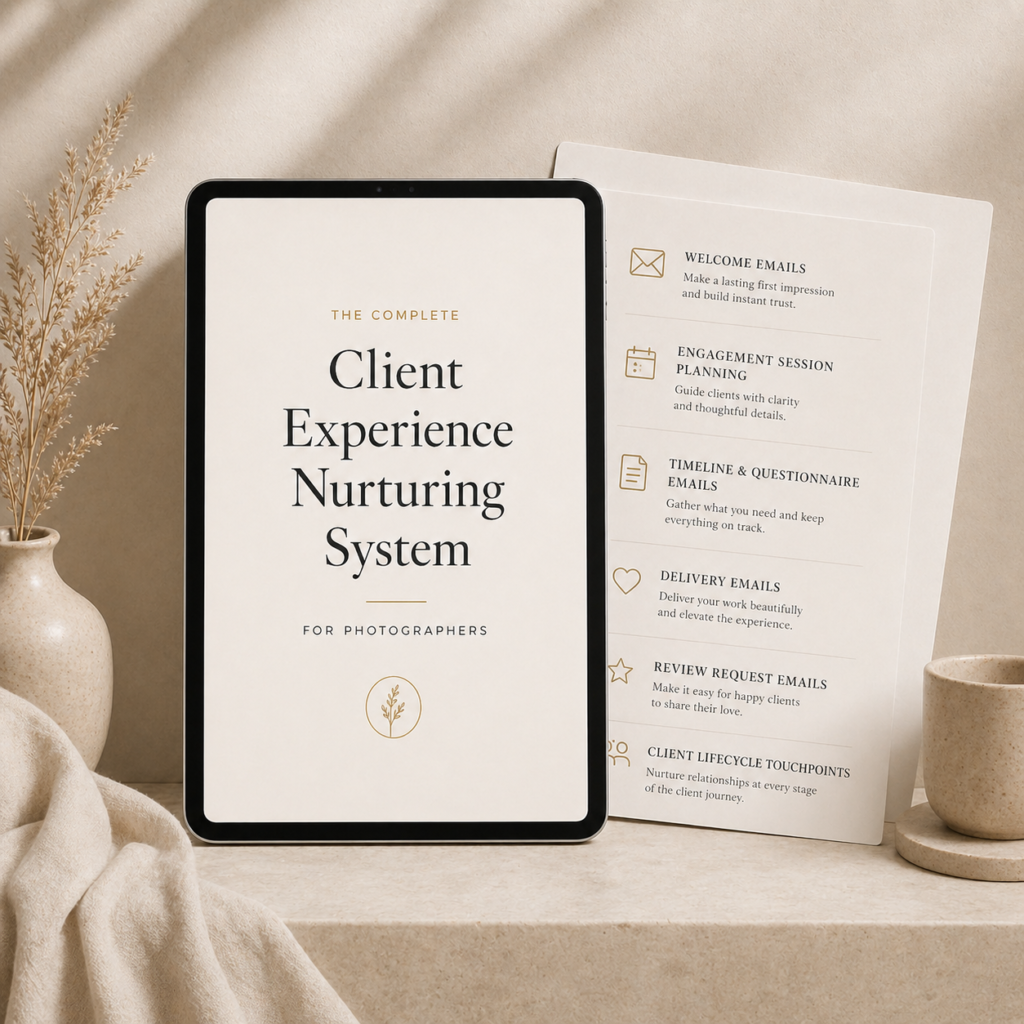
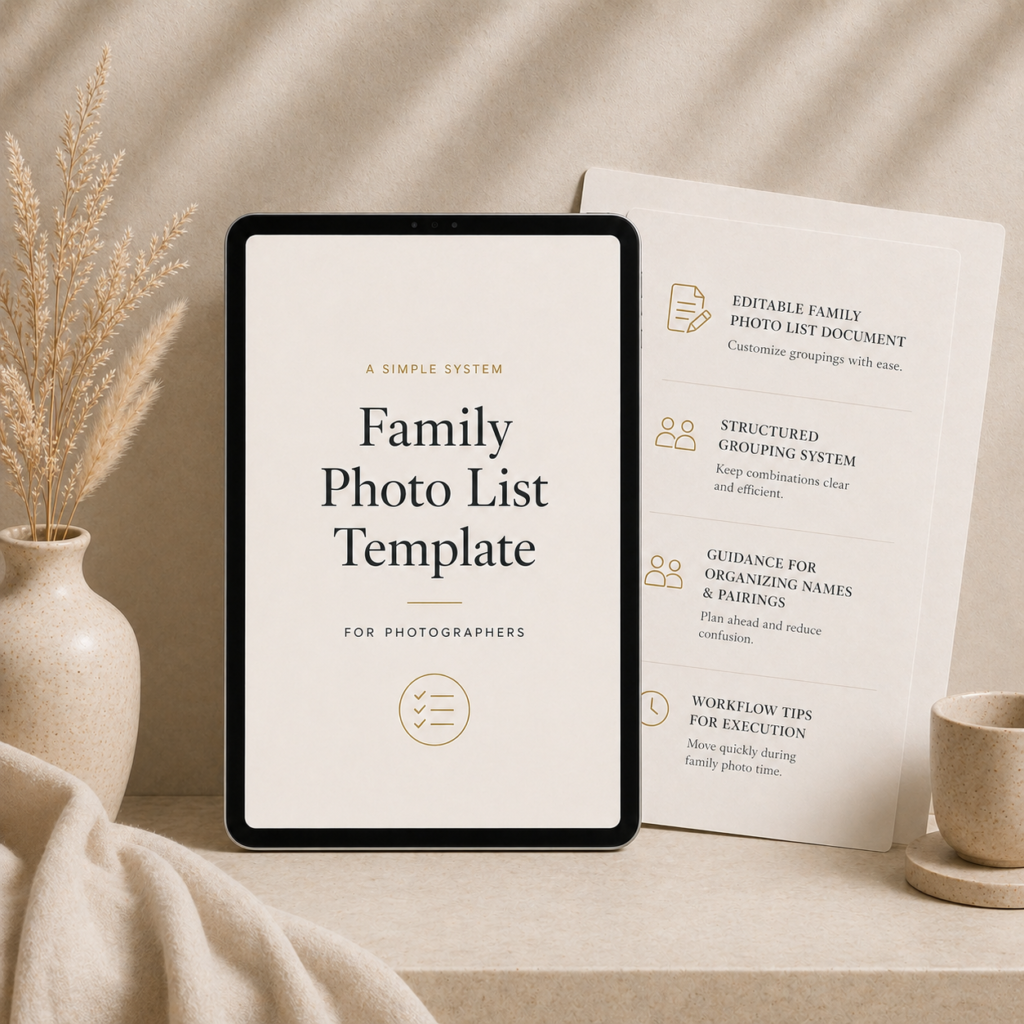
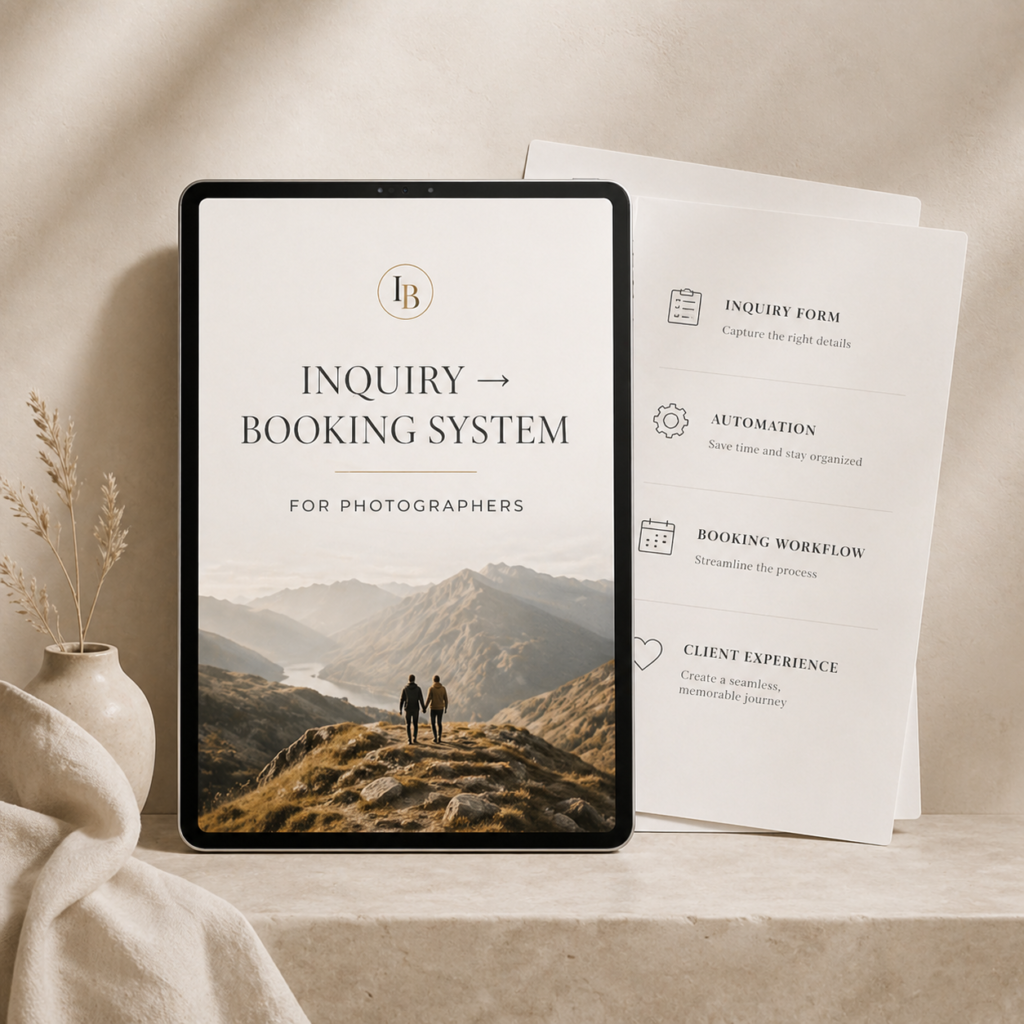
These Formed From Light resources are designed to help with that underlying strategy.
-
Client Experience Nurturing System
Original price was: $39.00.$29.00Current price is: $29.00. -
Family Photo List Template
Original price was: $19.00.$9.00Current price is: $9.00. -
Inquiry to Booking System
Original price was: $39.00.$29.00Current price is: $29.00. -
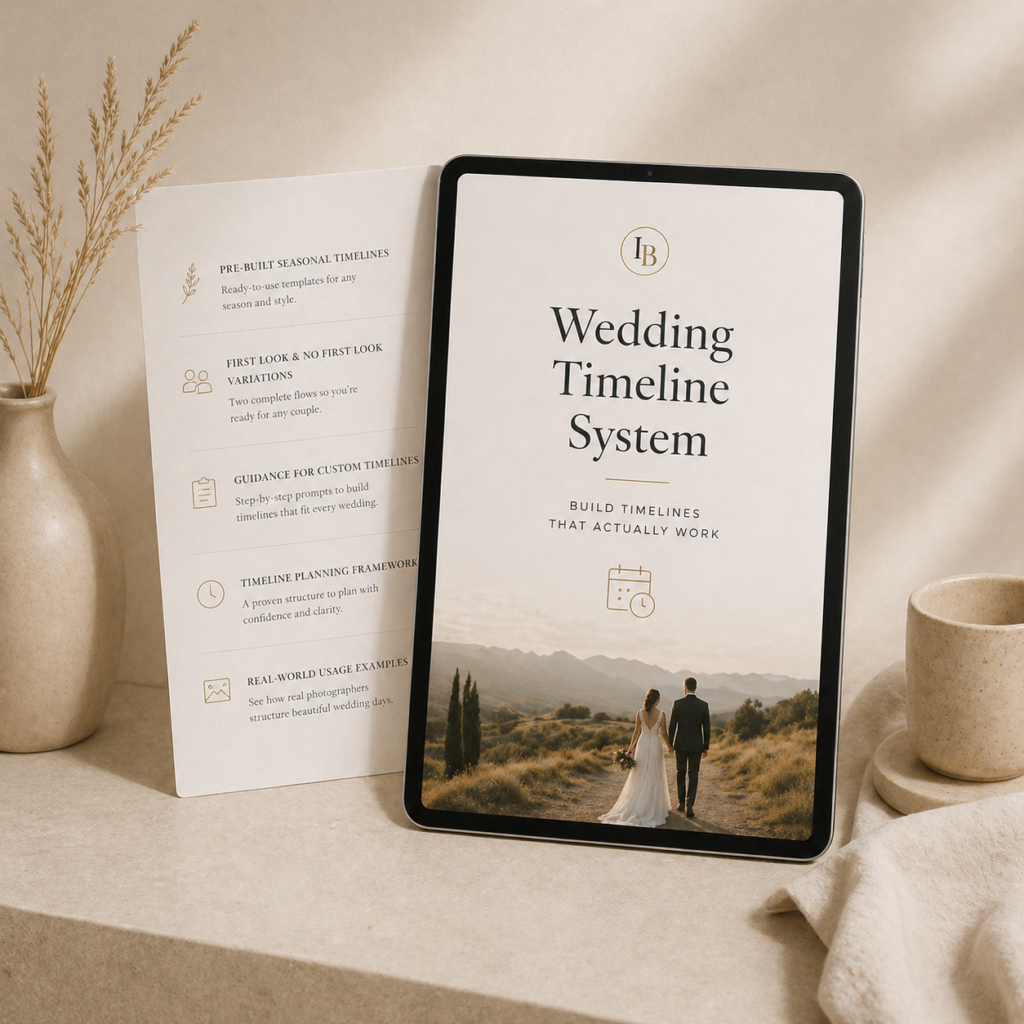
Wedding Timeline System
Original price was: $29.00.$19.00Current price is: $19.00.
Latest Honeybook Articles


Not Sure Where to Start?
Begin by deciding what you most need HoneyBook to help you accomplish.
If you are still evaluating the platform, read my complete HoneyBook review. If you already know you want to use it but need help organizing your setup, explore the HoneyBook workflow guide. When price is the deciding factor, review the current plans and fees in the pricing guide.
You do not need to configure every tool at once. Start with the part of your business causing the most friction, build one useful process, and expand from there.